

A payment failure feels larger when the same phone also holds your map, translation, hotel address and ride. Recover in layers. Do not keep repeating the same transaction until a risk system, card issuer or battery turns a small problem into a bigger one.
First: identify which layer failed
Ask four questions in order:
- Power: Is the phone battery critically low?
- Network: Can another app load, and is the correct SIM or roaming line active?
- Wallet: Does the payment app open normally, or is it asking for identity or account verification?
- Funding: Is the bound card rejected, limited or blocked by the issuer?
This separates “QR does not work” into a solvable category. Switching merchants will not fix a dead data connection. Reinstalling an app will not fix an issuer decline.
If data is gone
Move to a staffed, well-lit place such as your hotel desk, a major station service counter, airport desk or established shop. Use trusted Wi-Fi only for the minimum task, and avoid entering sensitive credentials on a network you cannot assess.
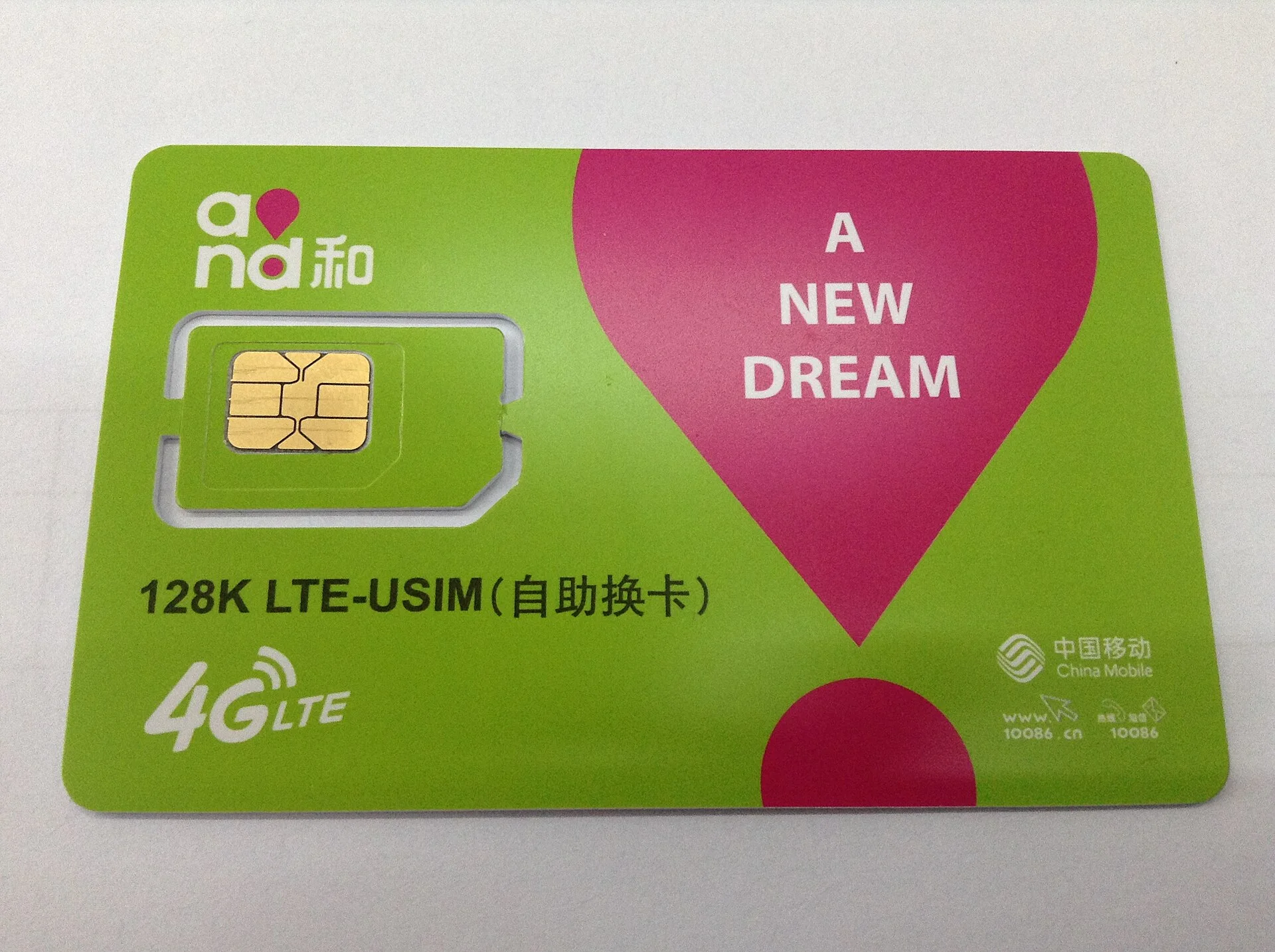
Check airplane mode, roaming, selected data line and remaining plan allowance. If you changed SIMs, remember that account verification codes may still go to the original number.
Use the offline copy of your hotel address and route. Ask staff to write or show the destination rather than handing an unlocked phone to a stranger.
If the wallet opens but payment fails
Confirm the amount and merchant before retrying once. Then change the rail:
- use a physical card if the merchant accepts it;
- use cash;
- try a separately prepared wallet or funding card;
- ask whether payment can be completed at a staffed register.
Do not scan a different code sent through chat unless you understand who receives the money. A merchant trying to help may offer another legitimate method, but the recipient name and amount should still make sense.
If the card is rejected
Use the issuer’s official app or support number from the back of the card. Check for a fraud alert, international-use setting or limit. Do not accept “verification” help from an unsolicited caller or message.
If one card repeatedly fails, stop retrying. Use the independent fallback and investigate later. Multiple rapid attempts can create duplicate pending transactions even when the merchant sees no completed payment.
If the battery is the problem
Preserve the phone for the task that only it can do. Lower brightness, close navigation and video, and save screenshots of the address or payment result. Ask the hotel or an established business about charging or a power bank.
Keep enough cash outside the phone case. A wallet attached to the same device is convenient but not independent.
Before leaving the counter
Verify whether payment actually completed. Check the wallet transaction record and merchant confirmation. If the status is pending or duplicated, save screenshots, merchant name, time and amount. Resolve it through the wallet or issuer’s official support channel; do not pay a third party to “unlock” an account.
Sources and scope
- China State Council: Guide to Working and Living in China (2025) — official guidance on mobile payment, cards, cash and visitor services.
- People’s Bank of China: Guide to Payment Services in China — official payment options and service channels for overseas visitors.
Checked 23 August 2026. Wallet interfaces, issuers, fees and merchant acceptance can change. This guide does not guarantee reimbursement or account recovery.
The recovery rule
Retry once, identify the failed layer, then switch to an independent route. Resilience matters more than forcing the original screen to work.


.jpg)
